Most network problems are planning problems. Switches are bought before anyone has counted the desks, and Wi-Fi is added after the walls are painted. A single hour with a floor plan saves weeks later.
Count your devices, then add half again
List every computer, printer, phone, camera, access point and screen that needs a connection today. Then add at least fifty per cent for the next three to five years. That number decides how many switch ports and cable runs you need.
Run more cable than you need now. Pulling extra cable while the ceiling is open costs very little. Opening it again costs a lot.
Decide what must never go down
Write down the two or three things your business cannot work without: billing software, a shared drive, the internet link. Those get the best equipment, a backup internet connection if you can afford one, and a UPS to ride through power cuts.
Plan Wi-Fi from the floor plan
Wi-Fi coverage depends on walls, floors and where people actually sit. Mark the rooms where calls and video are common and place access points to serve them, instead of relying on one strong router in a corner.
Keep guests and cameras off the main network
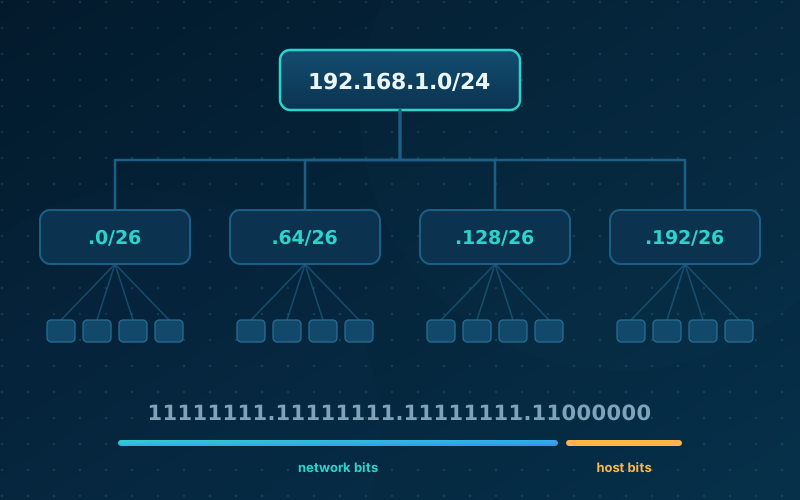
Guest Wi-Fi and CCTV should live on their own network segments. If a visitor’s phone or an old camera is compromised, it should not be able to reach your accounts folder.
Ask for documentation
Insist on a labelled rack, a cable schedule, a network diagram and a secure record of passwords at handover. Good documentation is the cheapest insurance you will buy.
References
- Networking basics (Cisco)
- How to set up a small business network (Cisco)
- What is network segmentation? (Cisco)
General information, checked against the sources above (vendor documents, standards bodies and official guidance). Not professional advice. ARNSEC is independent; product names belong to their owners.
Last updated: . Articles are checked against trusted sources (vendor documentation, standards bodies and government guidance). General information only, not professional advice.